 Acreonix
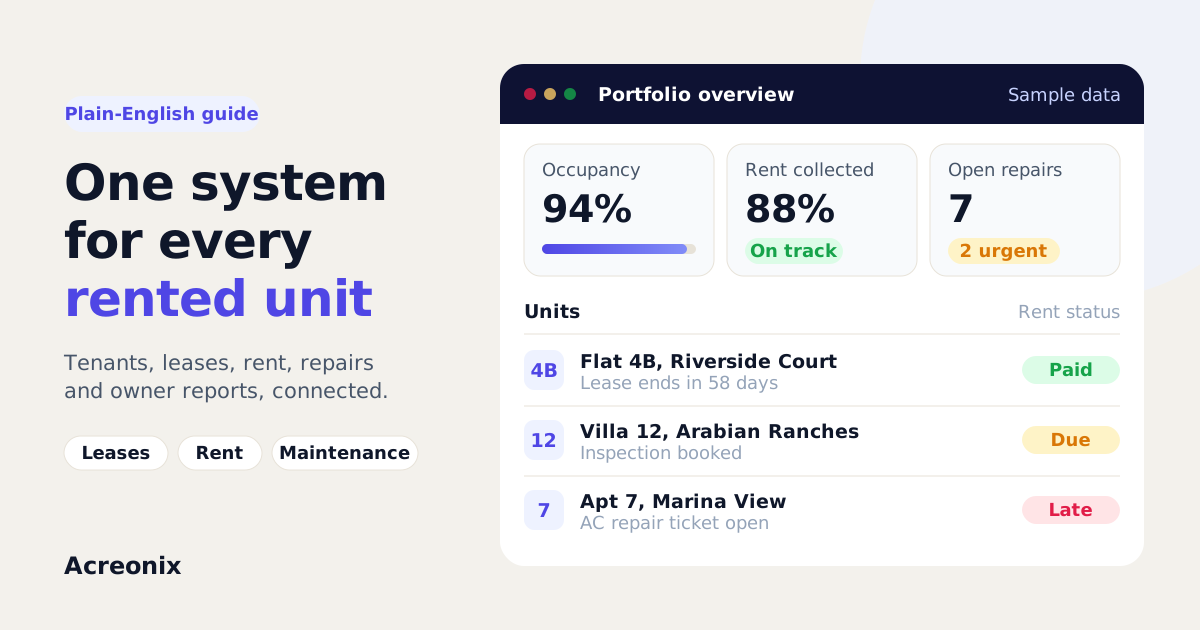
Property management software is a system that runs the day-to-day work of managing rented property in one place: properties and units, tenants, leases, rent collection, maintenance, inspections and reporting to owners. Instead of spreadsheets, inboxes and paper files, every tenancy has one record that the whole team can see. It is used by letting agents, block and portfolio managers, landlords with many units and property management companies in markets such as the UK and the UAE.
This guide explains what the software actually does, who it is for, how it differs from a CRM and from accounting software, what pricing usually looks like and how to choose one without regret.
What does property management software do?
At its simplest, a property management system answers three questions at any moment: who lives where, who owes what, and what needs fixing. Everything else builds on those.
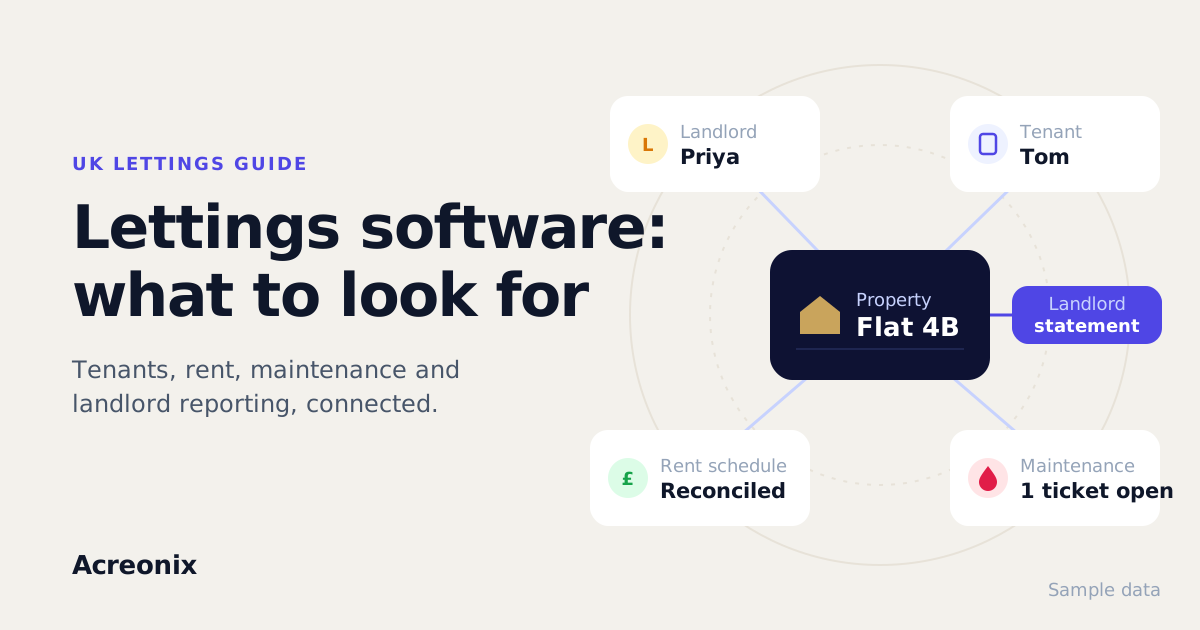
A good system connects the records that matter, which a spreadsheet cannot do without manual work. A landlord owns a property. The property has one or more units. Each unit has a lease, and each lease has a tenant, a rent schedule, a deposit, documents and a maintenance history. When something changes, such as a tenant moving out or a rent increase, the change flows through to every place that depends on it.
Who uses property management software?
Different people use it for slightly different jobs.
- Letting agents who manage on behalf of landlords. They need rent collection, maintenance coordination and clear landlord statements. Our UK lettings guide covers this in detail.
- Block and portfolio managers looking after whole buildings or large portfolios. Unit-level records, service requests and owner reporting matter most.
- Landlords with many units. Once you have more than a handful of tenancies, tracking renewals and arrears by memory stops working.
- Property managers in the UAE, where annual leases, cheque-based or instalment rent and renewal timelines shape the workflow. See our Dubai property management software guide.
- Mixed agencies that do sales and lettings together, and want one shared database of properties and contacts.
What are the core modules of a property management system?
Most products are built from the same set of modules. The names vary, but the jobs are consistent.
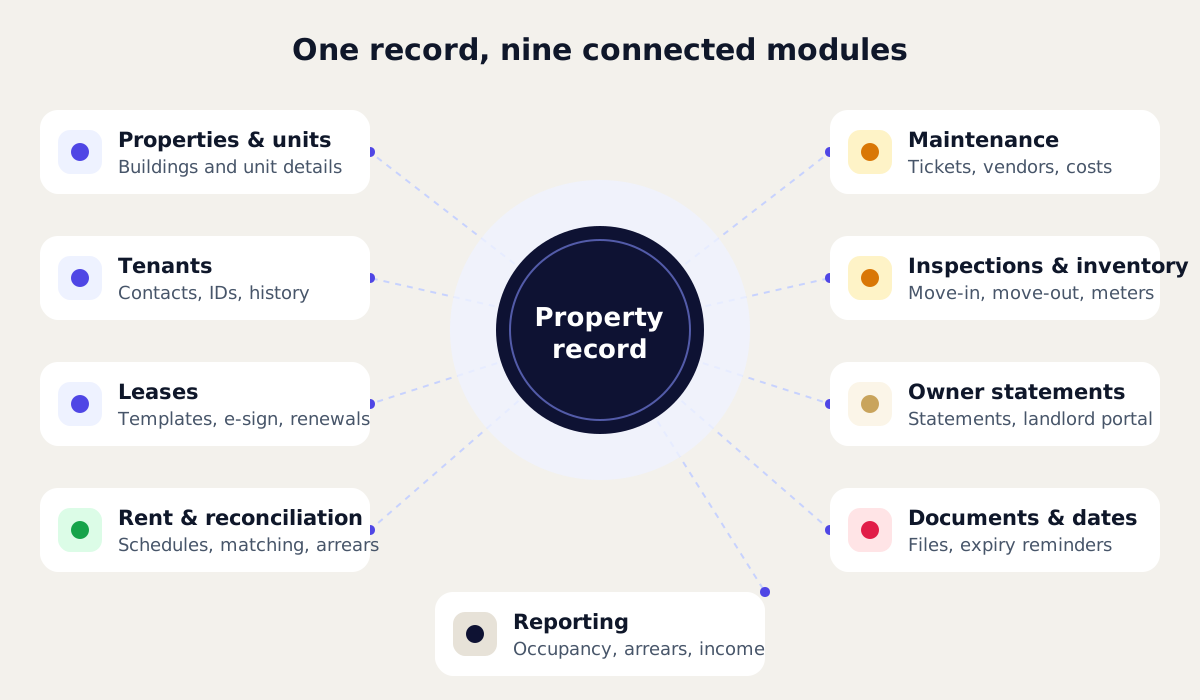
Properties and units
The foundation. Each property holds its address, owner, unit breakdown, features and key details. Multi-unit buildings should let you manage each unit separately while still seeing the building as a whole.
Tenants
Contact details, identity and reference documents, emergency contacts and a history of every interaction. Ideally tenants are linked to their unit and lease, not stored in a separate address book.
Leases and tenancies
Start and end dates, rent amount and frequency, deposit, break clauses and renewal status. Better systems include lease templates and e-signature, plus prompts before a lease is due to end.
Rent collection and reconciliation
Rent schedules are generated from the lease. Payments are recorded and matched against what was due, so arrears show up automatically. Reconciliation is where the most time is usually lost when it is done by hand, so it deserves careful testing.
Maintenance
A ticket for each repair, linked to the property and unit, assigned to a contractor or vendor, with status updates and a cost history. Tenants and landlords increasingly expect to see progress without phoning the office.
Inspections and inventory
Move-in and move-out checklists, meter readings, condition notes and photos. A structured record at both ends of a tenancy makes deposit conversations far simpler.
Landlord statements and owner portal
Statements built from the same rent and expense records, showing income, deductions and the amount paid out. An owner portal lets each landlord see their own properties and nothing else. If statements are a pain point, read our guide to automating landlord statements.
Documents and compliance dates
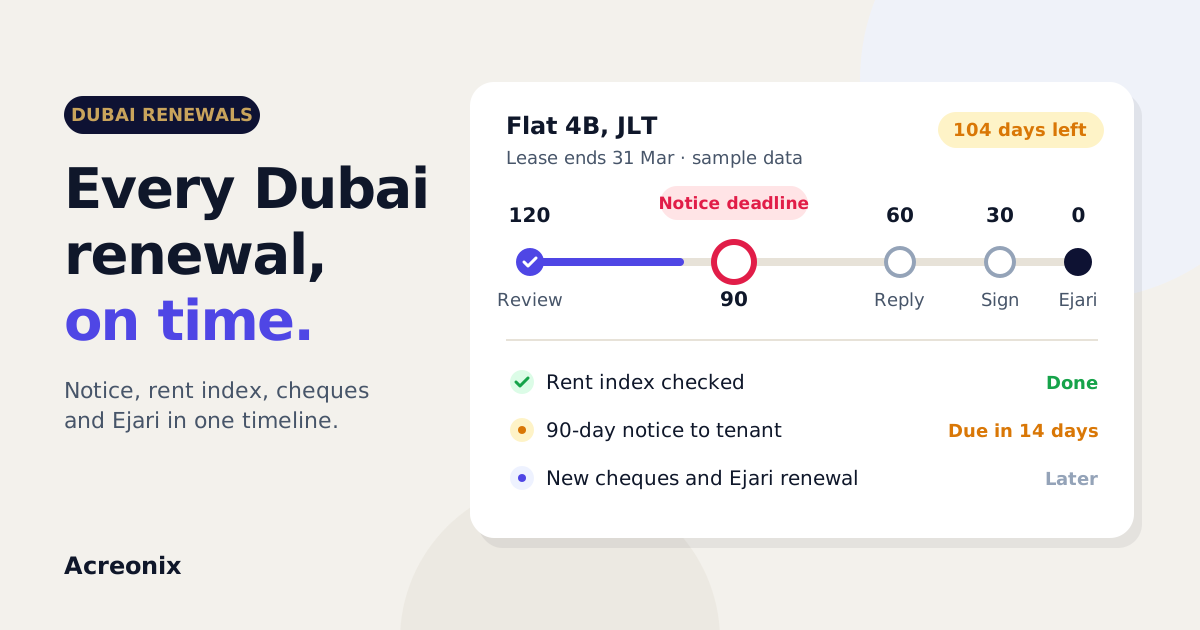
Leases, certificates, IDs and notices stored against the right record, with reminders before key dates. In the UK that might include safety certificates and deposit paperwork. In Dubai it might include tenancy registration and renewal notice windows. Rules change and differ by location, so treat software as a diary and filing cabinet, and check the official source (gov.uk, or the Dubai Land Department) or take professional advice.
Reporting
Occupancy, vacancy, rent collected against expected, arrears, maintenance cost per unit and income per property. Reports should filter by landlord, property and date range.
How is property management software different from a CRM or accounting software?
These three categories overlap, which causes confusion when buying. The simplest way to separate them is by the question each one answers.
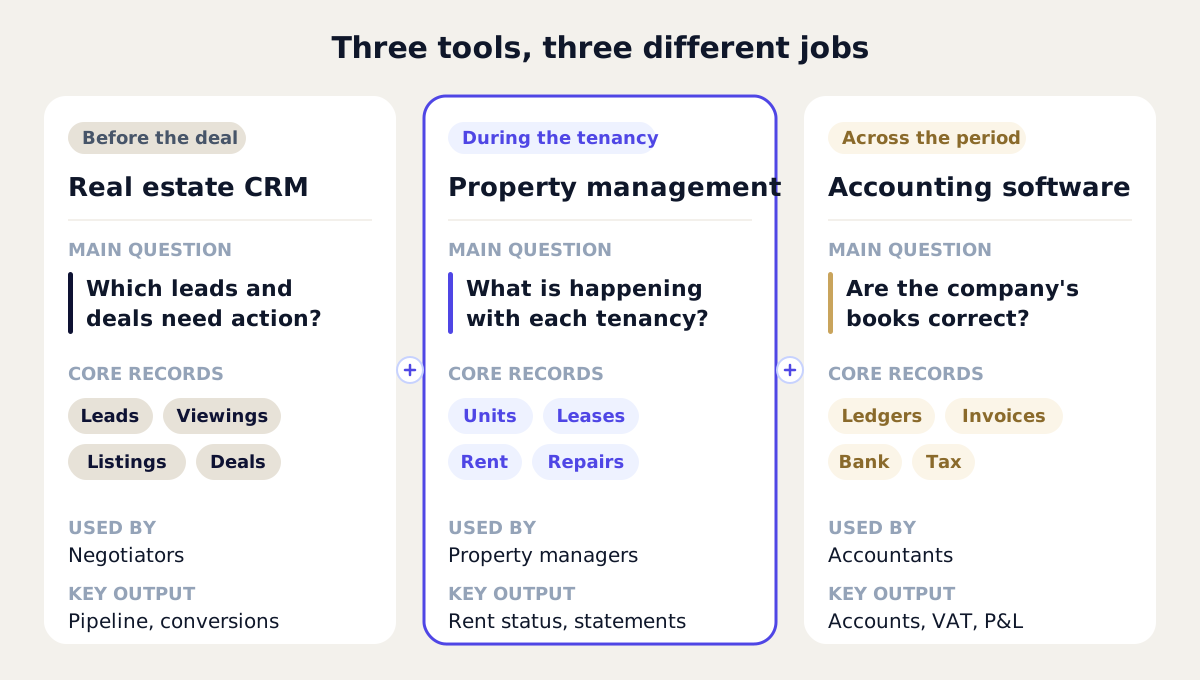
| Property management software | Real estate CRM | Accounting software | |
|---|---|---|---|
| Main question | What is happening with each tenancy? | Which leads and deals need action? | Are the books correct? |
| Core records | Properties, units, tenants, leases, rent, tickets | Leads, contacts, viewings, listings, deals | Ledgers, invoices, bank feeds, tax |
| Time focus | The months and years of a tenancy | The weeks before a deal or letting | The financial period |
| Typical users | Property managers, lettings teams | Sales and lettings negotiators | Bookkeepers, accountants |
| Key output | Rent status, maintenance, landlord statements | Response times, pipeline, conversions | Accounts, VAT returns, P&L |
A real estate CRM finds and wins the business. Property management software runs it once the tenant moves in. Accounting software keeps the company's books. Some platforms combine the first two, and most connect to accounting through an integration or a CSV export. When you compare vendors, ask exactly which of these jobs each product does natively.
Signs you need property management software
You probably need a proper system if several of these sound familiar:
- Rent is checked against bank statements by hand, and arrears are spotted late.
- Repair requests arrive by phone, email and WhatsApp, and nobody has the full picture.
- Landlord statements take a day or more each month.
- Lease end dates and certificate expiries live in one person's calendar.
- A landlord's simple question takes three people and twenty minutes to answer.
- You are about to take on more units and cannot add staff at the same rate.
If you are currently on spreadsheets, our guide to moving from spreadsheets to property management software walks through the switch.
How much does property management software cost?
Prices vary widely by market, size and features, so be wary of any single "average" figure. What is more useful is understanding the pricing models, because they behave very differently as you grow.
| Pricing model | How it works | Suits | Watch out for |
|---|---|---|---|
| Per unit | A monthly fee for each managed unit or tenancy | Agencies whose income grows with units under management | Minimum unit counts, and how vacant units are counted |
| Per user | A monthly fee for each staff login | Small teams managing many units | Costs rising as you add part-time or occasional users |
| Flat or tiered | A fixed fee per band of units or features | Predictable budgets | Jumping to a higher tier for one feature |
| Free or freemium | A free plan with limits, then paid upgrades | Small landlords testing the idea | What happens to your data when you hit the limit |
Also ask about one-off costs: setup, data migration, training, connections to portals or messaging, and any fees to export your data if you leave. A low monthly price with expensive extras can cost more than a higher all-inclusive one.
Work out your total yearly cost at today's size and at the size you expect in two years. The cheapest option now is not always the cheapest later.
How do you choose property management software?
- Write down your five biggest problems before you watch a single demo. Judge every product against those, not against its feature list.
- Map your workflow from lease signing to move-out. Note every handover, document and payment.
- Check the data model. Are landlords, units, tenants and leases linked records, or just text fields?
- Test rent reconciliation properly. Try part payments, late payments and a mid-month tenant change.
- Look at the landlord view. Generate a sample statement and check whether you would be happy sending it.
- Confirm integrations precisely. Ask what is native, what is a CSV export and what is only on a roadmap.
- Review security and exit terms. Where is data hosted, who can see what, and can you export everything?
- Pilot with real data for a few weeks before you commit, with the people who will use it every day.
Where Acreonix fits
Acreonix is one platform built for this, for agencies and property managers in the UK and UAE. Its property management module covers properties, tenants and landlords, leases with templates and e-signature, rent schedules, reminders and reconciliation, maintenance tickets and vendors, move-in and move-out with meter readings and an inventory checklist, and landlord statements with a scoped landlord portal. It sits alongside a sales CRM and an AI assistant in the same system, on web and mobile.
There is a free-forever plan for up to 3 units and 25 leads, with no card needed. You can start free, see the pricing page, or book a demo and bring your own data.
Frequently asked questions
What is property management software in simple terms?
It is a single system for managing rented property. It keeps properties, tenants, leases, rent, maintenance and owner reporting connected, so you can see the status of every tenancy without checking several spreadsheets and inboxes.
Is a property management system the same as a CRM?
No. A CRM manages leads, viewings and deals before a property is let or sold. A property management system manages what happens after the tenant moves in: rent, repairs, renewals and landlord reporting. Some platforms include both, sharing one database.
Do small landlords need property management software?
With one or two properties, a careful spreadsheet may be enough. Once you have several tenancies, staggered renewal dates and regular repairs, software reduces the risk of missed payments and dates. Free and low-cost plans make it easy to try before committing.
Can property management software replace accounting software?
Usually not entirely. Property management software tracks rent, expenses and landlord payouts, while accounting software keeps the company's full books and tax records. Most agencies use both, connected by an integration or a regular export.
Does property management software handle legal compliance?
It can store documents and remind you before key dates, which helps a great deal. It does not make you compliant on its own. Rules in the UK and the UAE change, so check the official sources and take professional advice for your situation.
How long does it take to switch to property management software?
It depends on how much data you have and how clean it is. A small portfolio can often be set up in days, while a larger migration takes longer. Ask each vendor whether they help import your existing records.
Key takeaways
- Property management software keeps properties, units, tenants, leases, rent, maintenance and owner reporting in one connected system.
- It is used by letting agents, block and portfolio managers, landlords with many units and property managers in markets such as the UK and UAE.
- It differs from a CRM (which wins the business) and accounting software (which keeps the books). Many agencies need all three, joined up.
- Pricing is usually per unit, per user, tiered or freemium. Compare total yearly cost, including setup and export terms, at your size now and in two years.
- Test rent reconciliation, landlord statements and data export with your own records before you commit.
- Software helps track compliance dates and documents, but responsibility stays with you.